

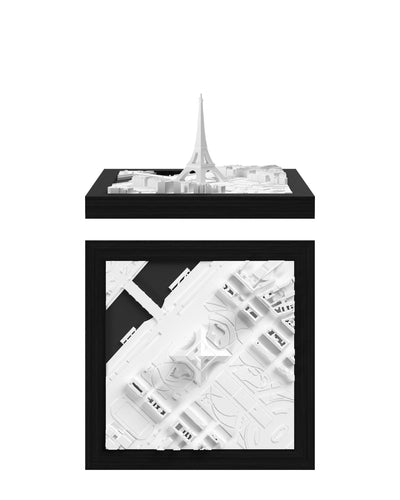

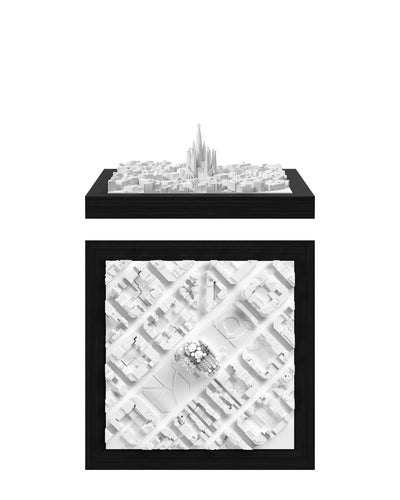
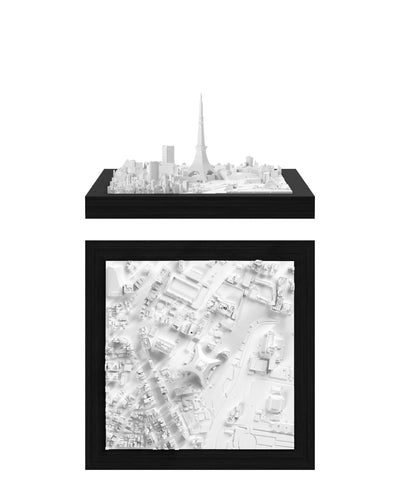
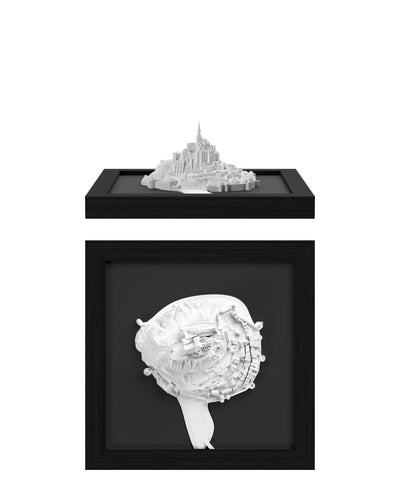
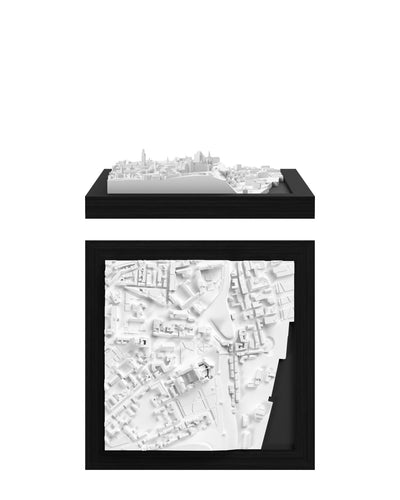



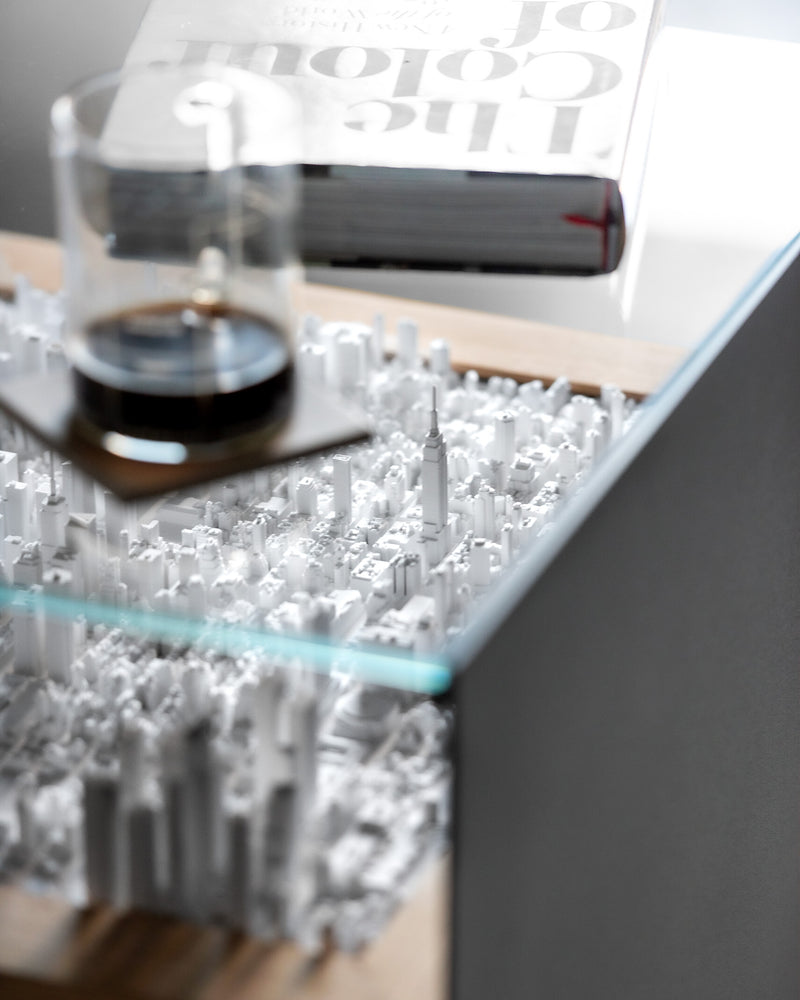


Our display covers are made of either acrylic or glass, and each material needs slightly different care. Find your type below.
Acrylic display cover
Acrylic is lightweight, shatter-resistant and very clear, but it scratches more easily than glass if cleaned incorrectly. Regular glass cleaners often contain ammonia or alcohol, which can damage acrylic.
Use an acrylic cleaner or mild soapy water
- Avoid cleaners containing ammonia or alcohol, as most standard glass cleaners do.
- If you don't have an acrylic-safe cleaner, mix a few drops of mild dish soap into lukewarm water.
Remove dust first
- Gently wipe away loose dust and particles with a soft microfiber cloth.
- Don't press down. Let the cloth pick up the dust instead of pushing it across the surface.
Wipe gently
- Apply the cleaner to a clean microfiber cloth, not directly to the acrylic, to prevent liquid from seeping in and leaving streaks.
- Wipe the surface with light, circular motions to remove smudges and fingerprints.
Dry thoroughly
- Gently polish the acrylic with a second, dry microfiber cloth to remove any remaining moisture or streaks.
- Check the surface in daylight and repeat if needed.
Prevent scratches
- Whenever you remove or move the cover, place it on a clean, soft surface such as a towel.
- Between thorough cleanings, a quick wipe with a soft cloth will keep dust from building up.
Glass display cover
Glass is heavier and more scratch-resistant than acrylic, making it a popular choice for long-term display. It still needs a little care.
Choose a glass-safe cleaner, ideally without ammonia
- Standard ammonia-free glass cleaners are safe for most glass covers.
- Mild soapy water works just as well if you prefer a simple alternative.
Remove dust before cleaning
- First, remove surface dust with a microfiber cloth. This prevents grit from scratching the glass while you clean.
Spray, then wipe
- Lightly spray the cleaner onto the glass or onto your cloth.
- Wipe in gentle, circular motions with a clean microfiber or lint-free cloth.
Dry and polish
- Use a fresh part of the cloth or a second cloth to remove any remaining moisture or streaks.
- Check the surface in good light to make sure you haven't missed any spots.
Tips for acrylic and glass
- Use two cloths: one to apply the cleaning solution and one to dry the surface. This helps prevent moisture and residue from spreading back across the cover.
- Avoid paper products. Paper towels, tissues and newspaper can leave lint or cause fine scratches, especially on acrylic.
- Protect your model. When you remove the cover for cleaning, place it on a stable, clean surface away from the model to avoid accidental damage.
- Dust regularly. A quick wipe every now and then prevents buildup and reduces the need for more thorough cleaning.